Outdoor court
Streetball Dunk
Blow past a defender on an outdoor court, throw it down in front of the crowd, then walk it off toward the camera with one finger up. The defender is an AI player, or your friend if you add photo 2.
Our AI dunk video generator turns one or two adult photos into a dunk clip.
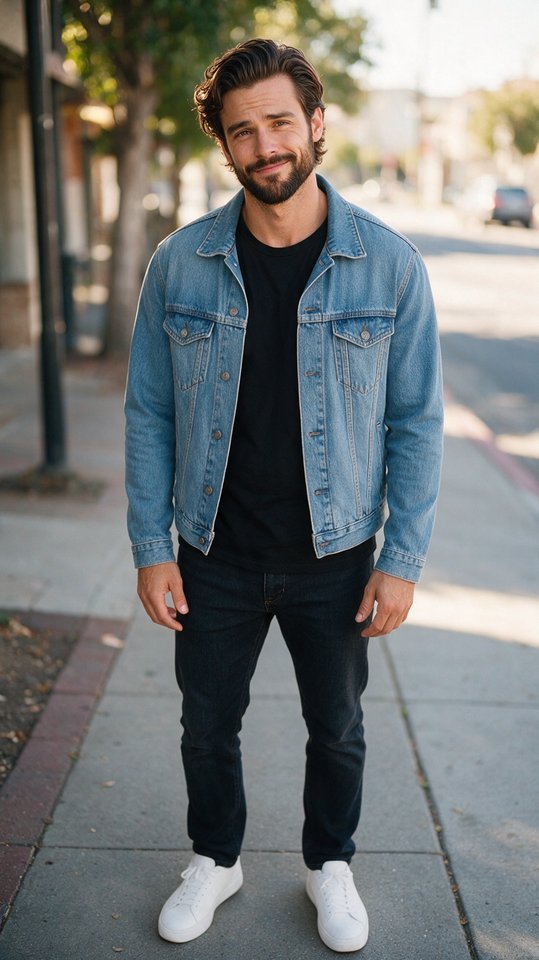 Made from this one photoAI-generated example · sample people are AI-generated
Photo in, video out
Each example shows the photos that went in, one or two, and the clip the AI dunk video generator made from them. Sample people are AI-generated.
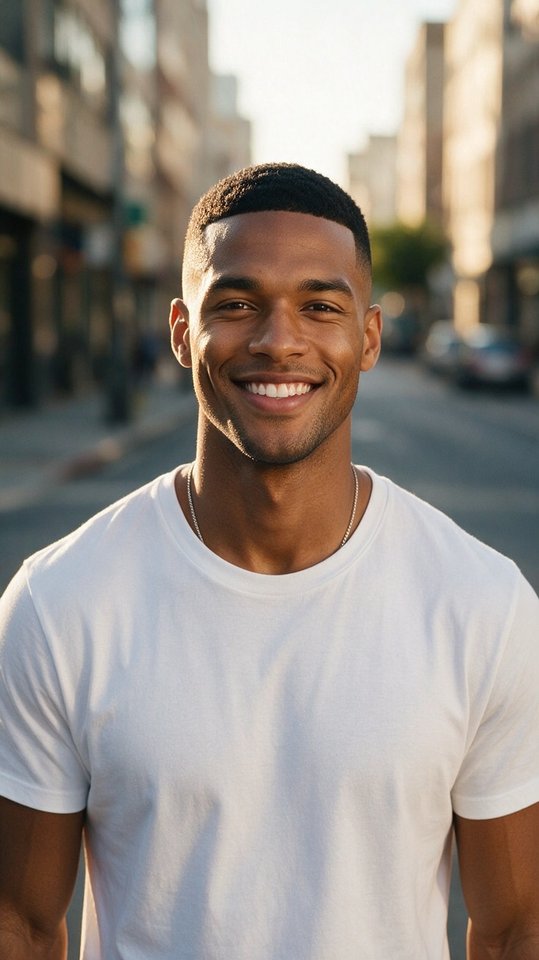
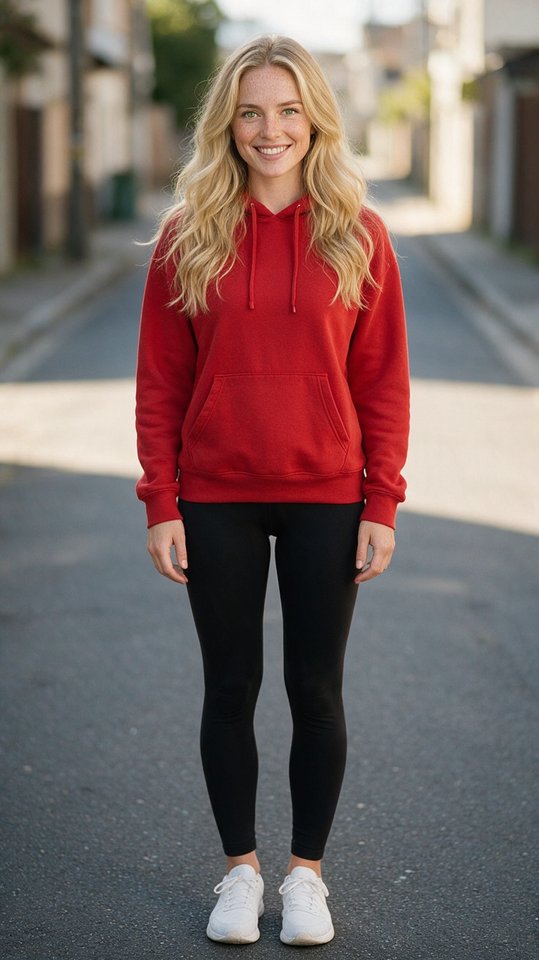
| You upload | Photo 1 of the dunker, plus an optional photo 2 of the friend who gets dunked on; one adult per photo |
|---|---|
| Scenes | Streetball Dunk (outdoor court) or Arena Dunk (packed arena) |
| You get | Vertical 9:16 MP4, 8 seconds, 720p, no watermark |
| Time | About 3 minutes |
| Price | From $6.99, pay once, no subscription |
| Your photos | Deleted 24 hours after the video finishes |
How it works
Photo 1 is the dunker: you, or an adult who agreed. Add photo 2 to dunk on a friend, or skip it for an AI defender.
Streetball Dunk on an outdoor court or Arena Dunk in a packed arena. Both take one or two photos.
Pay with credits and the AI dunk video generator renders your clip in about 3 minutes. Download the MP4, no watermark.
Two scenes, one or two photos
Both scenes run on the same AI dunk video generator, take one or two photos and cost the same credits, so pick the court that fits your clip.
Outdoor court
Blow past a defender on an outdoor court, throw it down in front of the crowd, then walk it off toward the camera with one finger up. The defender is an AI player, or your friend if you add photo 2.
Packed arena
Bring the ball up the floor of a packed arena on game night and rise for a dunk over the defender: an AI player, or your friend if you add photo 2. Plain jerseys, no team logos.
Photo tips
The AI dunk video generator follows each photo closely, so clear, well-lit shots matter more than anything else.
Where it lands
Drop a surprise dunk of yourself into the team chat before Saturday's pickup game.
Vertical 9:16 out of the box, so it posts without cropping. Add the platform's AI label when it asks.
Add a friend's photo as photo 2 and posterize them, with their permission: a birthday, a lost bet, a new season.
No vertical leap required. Bring one photo, or two with a friend, and the basketball dunk AI does the rest.
Safety
Our AI dunk video generator is made for fun with people who agreed to be in the video. Before every generation you confirm that every person in your photos is you or an adult who gave permission.
Credit packs
Buy credits once and use them whenever you want to generate an AI dunk video. Every video: 8 seconds, vertical 9:16, 720p, no watermark. Credits never expire.
$6.99
10 credits · about 1 video · About $6.99 per video
$16.99
30 credits · about 3 videos · About $5.66 per video · save 19%
$34.99
80 credits · about 8 videos · About $4.37 per video · save 37%
Compare
| Dunking AI | General AI video apps | |
|---|---|---|
| App download | None, runs in your phone browser | Often an app or a desktop editor |
| Prompt writing | None: your photos and a scene | You write and rewrite prompts |
| Built for dunks | An AI basketball dunk generator with two tuned scenes | Generic motion, hit or miss |
| Pricing | One-time credits from $6.99 | Monthly plans are common |
| Failed video | Credits return automatically | Depends on the app |
FAQ
Dunking AI turns one authorized adult photo, or two photos to dunk on a friend, into a short AI-generated basketball dunk video on an outdoor court or in a packed arena. Upload the photos, choose a scene, confirm permission and pay with credits; the AI dunk video generator renders the clip in about 3 minutes.
Dunking AI offers two scenes: Streetball Dunk on an outdoor court and Arena Dunk in a packed basketball arena. Both take one or two photos.
Yes. Add a second photo of your friend and they become the defender you dunk over. Both people must be adults who agreed to it.
No. One photo is enough; if you skip the second photo, the defender is an AI-generated stranger. Both options cost the same credits.
No. Dunking AI does not accept photos of celebrities, athletes or other public figures. The AI dunk generator is for you and for adults who gave you permission.
No. Dunking AI only accepts photos of people who are 18 or older.
Yes. You must be the person shown in the photo or have permission from that adult before uploading it. One checkbox before every generation covers everyone in your photos.
Most videos are designed to finish within a few minutes, typically about 3, although processing time can vary with demand. A video that has not finished after 30 minutes counts as failed and its credits come back.
A vertical 9:16 MP4, 8 seconds long, at 720p, with no watermark, ready for TikTok, Reels and YouTube Shorts.
There is no subscription. One video costs $6.99; the Squad pack is 3 videos for $16.99 and the Highlight Reel pack is 8 videos for $34.99. Credits are a one-time purchase and never expire.
Failed generation jobs automatically return the credits used for that job, and you can try again with a clearer photo.
Uploaded photos are deleted automatically 24 hours after the video finishes or fails. The finished video stays in My videos for 30 days. Dunking AI does not use your photos to train its own models.
You can post your video if you have the necessary rights, but use the platform's AI-generated-content label when it is required. Every clip from this AI dunk video generator is AI-generated content.
Keep exploring
Upload one photo, or two to dunk on a friend, pick Streetball Dunk or Arena Dunk and get your clip from the AI dunk video generator in about 3 minutes. From $6.99, pay once.
Create My Dunk VideoAdults only. The AI dunk video generator takes your own photos or ones you have permission to use.