One Dunk
$6.99
10 credits · about 1 video · About $6.99 per video
Step-by-step guide
Here is how to make an AI dunk video from one or two adult photos.
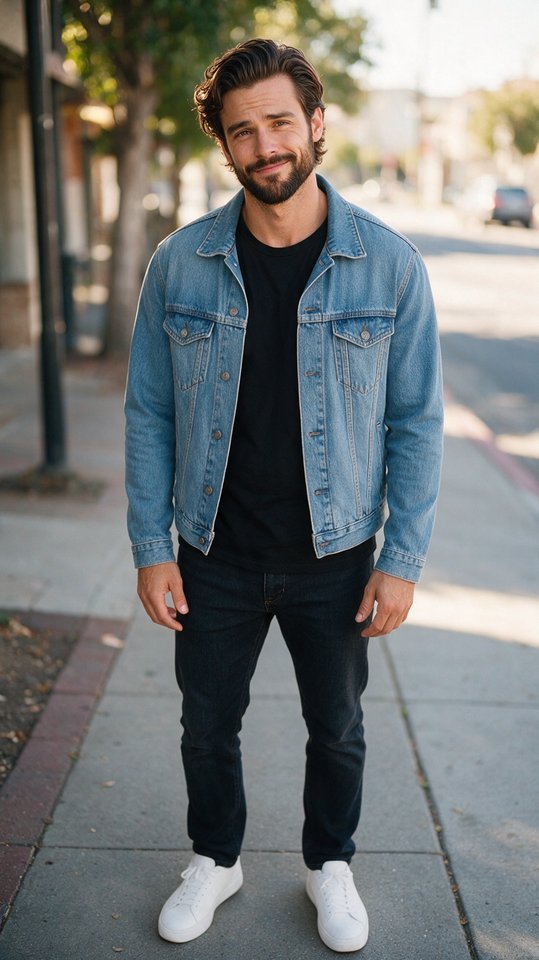 Made from this one photoAI-generated example · sample person is AI-generated
This AI dunk tutorial uses the form on this page, so you can follow along: one photo of one authorized adult, or two to dunk on a friend, about 3 minutes, from $6.99, pay once.
The photo decides most of the result. Use one person, 18 or older, with the face clearly visible and looking roughly at the camera. Waist-up or full body works best, in even light, without sunglasses, masks or heavy filters.
Photo 1 is the dunker and must be your own photo or a photo of an adult who gave you permission. Want to dunk on a friend? Add their photo as photo 2, with their permission; skip it and the AI adds a defender. Celebrities, athletes, public figures and minors are not accepted.
Upload your photoStreetball Dunk puts you on an outdoor court with a crowd along the fence. Arena Dunk puts you in a packed arena on game night. Both scenes take one or two photos and cost the same credits.
That is the whole flow to make AI dunk video from photo uploads: there is no prompt to write and no timeline to edit.
Pick a sceneConfirm that you have permission to use the photo, then pay with credits. Most videos finish in about 3 minutes; you can leave the page and come back from My videos.
You get a vertical 9:16 MP4, 8 seconds long, at 720p, with no watermark. If generation fails, the credits used for that job come back automatically.
Start your videoYour clip is AI-generated content. When TikTok, Instagram or YouTube asks whether a post contains AI-generated or altered content, say yes and use the label. A short caption such as "made with AI" also helps friends know what they are watching.
If you found the trend through a CapCut template, Dunking AI works as an AI dunk CapCut alternative: nothing to install, no template footage to edit, and the person in the video comes from your photo. Dunking AI is independent and not affiliated with CapCut or TikTok.
Ready to skip the guide? The AI dunk video generator home page has the same form, both scenes and the prices.
One or two photos · Pay once
Buy credits once and use them whenever you want to generate an AI dunk video. Every video: 8 seconds, vertical 9:16, 720p, no watermark. Credits never expire.
$6.99
10 credits · about 1 video · About $6.99 per video
$16.99
30 credits · about 3 videos · About $5.66 per video · save 19%
$34.99
80 credits · about 8 videos · About $4.37 per video · save 37%
One clear photo of one adult, either you or someone who gave you permission, and credits for one video. A second photo of a friend is optional. No app, no filming and no editing skills.
Open this page in your phone browser, tap Choose photo, pick a scene, confirm permission and pay with credits. The video is ready in about 3 minutes in My videos.
No. The scenes are fixed, so you only choose the photo and the scene.
One person, face clearly visible, waist-up or full body, in even light, without sunglasses, masks or heavy filters.
Yes, if that friend is an adult and gave you permission. Photos of celebrities, public figures and minors are not accepted.
Follow each platform's rules. TikTok and YouTube ask creators to disclose AI-generated content, so use their AI label when you post.
Now you know the steps. Your clip is about 3 minutes away, from $6.99, pay once.
Create My Dunk Video